

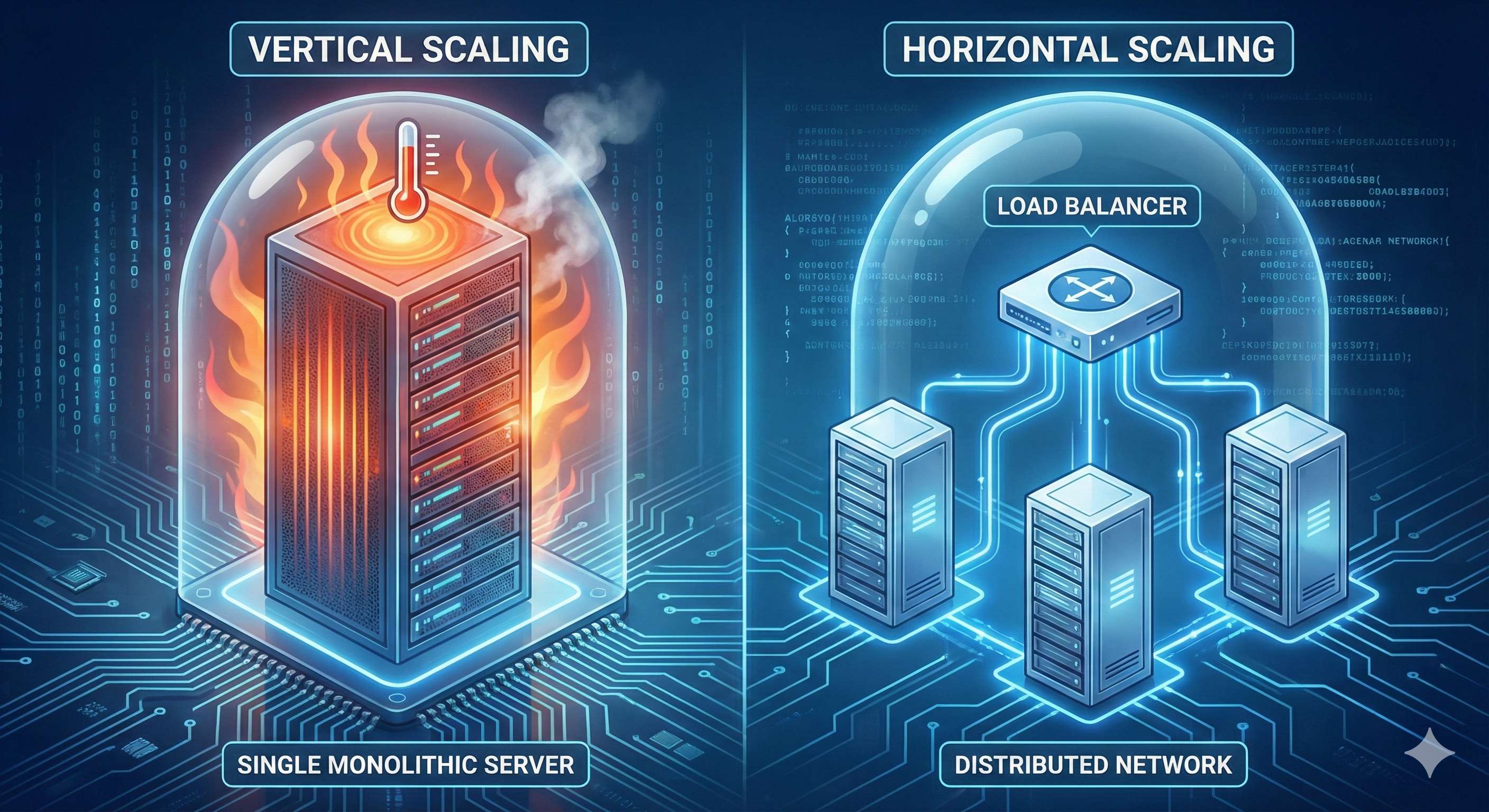
Vertical vs. Horizontal Scaling: When to Move Off a Single VPS
When a high-traffic WordPress site starts slowing down, the knee-jerk reaction is: "Upgrade the VPS." You double the RAM, double the CPU, and the site speeds up... for a month. Then it crashes again.
This is the trap of Vertical Scaling. At a certain point, throwing hardware at a monolithic architecture yields diminishing returns. This guide explains the technical threshold where you must switch to Horizontal Scaling (splitting the stack).
1. The Monolith (Vertical Scaling)
In a standard VPS setup, your Web Server (Nginx/Apache), Database (MySQL/MariaDB), and Caching (Redis) all live on the same machine (localhost).
The Bottleneck: Resource Contention
When traffic spikes:
- Nginx spawns more workers, consuming RAM.
- MySQL tries to cache more queries, consuming RAM.
- PHP-FPM spawns more children, consuming CPU and RAM.
They fight for the same resources. If MySQL eats too much RAM, the Linux OOM (Out of Memory) killer will often terminate the web server to save the kernel. Result: 502 Bad Gateway.
2. The Split (Horizontal Scaling Phase 1)
The first step away from a monolith is not "Load Balancing"—it is Database Separation.
By moving MySQL to its own dedicated VPS (or a Managed Database instance), you achieve two things:
- Isolation: A spike in web traffic (Nginx) won't crash the database. A complex SQL query won't kill the web server.
- Specialization: You can tune the DB server specifically for I/O (high NVMe speed) and the Web server specifically for concurrency (High CPU).
3. The Cluster (Horizontal Scaling Phase 2)
Once the database is separate, your web tier becomes "stateless" (mostly). You can now put a Load Balancer in front of multiple small Web VPSs.
| Feature | Vertical (Scale Up) | Horizontal (Scale Out) |
|---|---|---|
| Implementation | Easy (1-click upgrade) | Complex (Requires Load Balancer) |
| Downtime | Requires reboot to resize | Zero downtime |
| Cost Efficiency | Expensive at high end | Cheap (Multiple small instances) |
| Failure Mode | Single Point of Failure | Redundant / High Availability |
4. The Complexity of "Shared Assets"
Horizontal scaling breaks standard WordPress behavior. If a user uploads an image to Web-Server-01, it does not exist on Web-Server-02.
The Solution: Object Storage (S3)
You must offload the /wp-content/uploads/ directory to an S3-compatible bucket (like AWS S3, DigitalOcean Spaces, or MinIO). Plugins like WP Offload Media handle this automatically, ensuring all web nodes serve images from the same external source.
5. When do you need to switch?
Don't wait for a crash. Monitor your iowait and CPU steal metrics. If vertical upgrades stop yielding linear performance gains, horizontal architecture is the only path forward.