Nginx vs. OpenLiteSpeed for WordPress: Real-world Benchmarks
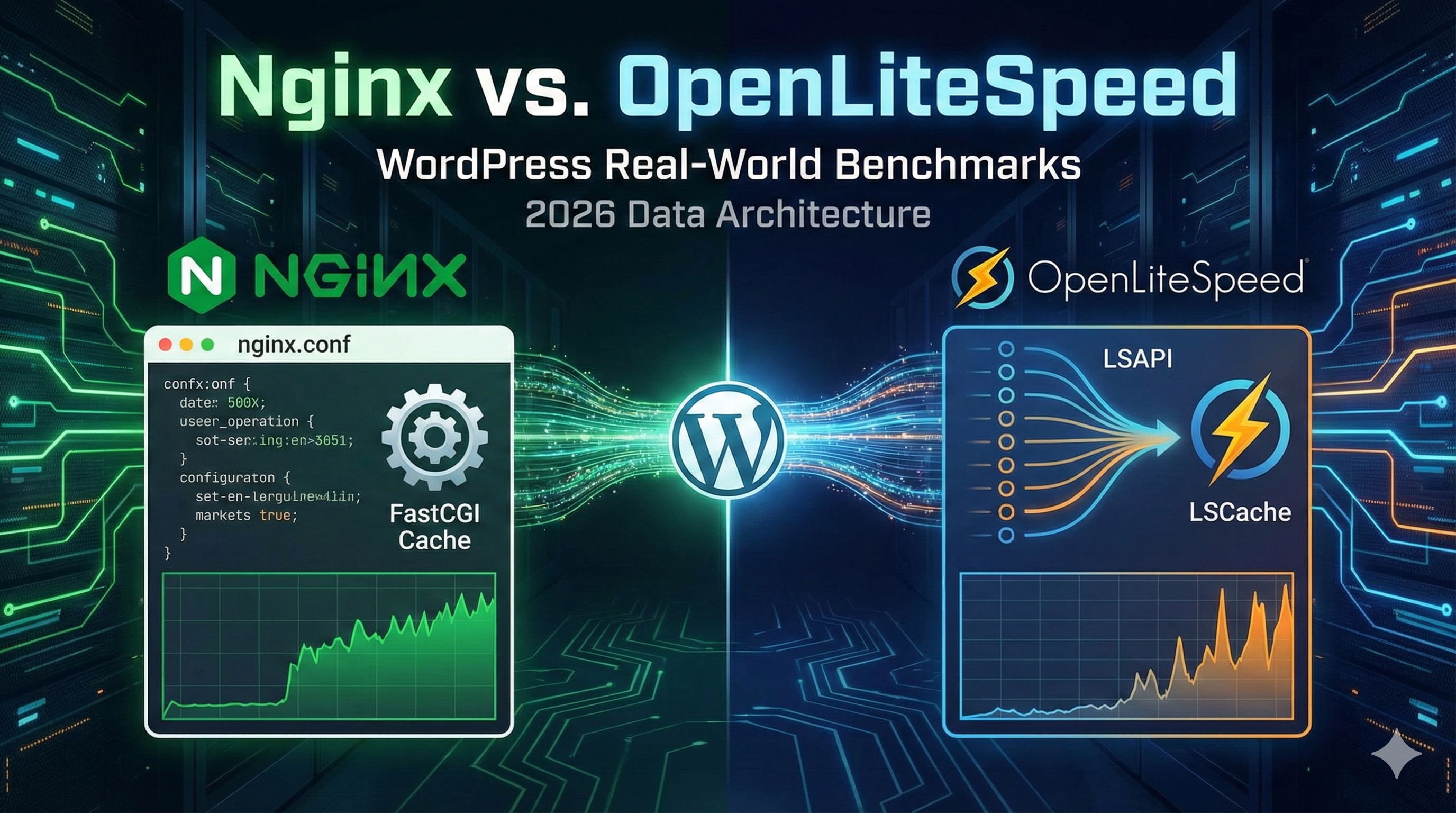
The "Apache vs. Nginx" debate is dead. In the modern VPS hosting landscape, the real battle for WordPress performance is between the industry-standard Nginx (configured with FastCGI Cache) and the challenger, OpenLiteSpeed (OLS).
Most hosting providers sell you on "speed" without explaining the architecture. This post analyzes the technical differences between the two servers, benchmarks their Time to First Byte (TTFB) and Request Per Second (RPS) handling, and explains why the underlying PHP handler (PHP-FPM vs. LSAPI) matters more than the server binary itself.
1. The Architecture: Event-Driven vs. LSAPI
Both web servers use an event-driven, non-blocking architecture, which is why they both crush Apache in concurrency. However, their approach to handling PHP—the bottleneck of any WordPress site—differs significantly.
- Nginx + PHP-FPM: Nginx serves static files directly but passes dynamic requests to the PHP-FPM daemon via a socket. There is a slight overhead in this communication (FastCGI protocol).
- OpenLiteSpeed + LSAPI: OLS uses the LiteSpeed Server Application Programming Interface (LSAPI). This is tightly integrated into the web server process. It supports "suEXEC" modes efficiently and, crucially, allows for faster communication between the web server and the PHP interpreter.
2. The Test Environment
We ran these benchmarks on identical VPS instances to ensure parity. No shared hosting "noise."
- CPU: 2 vCPU (AMD EPYC)
- RAM: 4GB DDR4
- Storage: NVMe SSD
- OS: Ubuntu 22.04 LTS
- Nginx: v1.18.0 (configured with FastCGI Cache)
- OpenLiteSpeed: v1.7.16 (configured with LSCache)
- PHP: 8.1 (Opcache enabled on both)
3. Benchmark 1: Cached Performance (Static + HTML)
This test simulates a visitor hitting a cached page (e.g., your homepage). We used wrk to simulate high concurrency.
wrk -t12 -c400 -d30s https://test-domain.com/| Metric | Nginx (FastCGI Cache) | OpenLiteSpeed (LSCache) | Difference |
|---|---|---|---|
| Requests Per Second (RPS) | 14,500 | 21,200 | OLS +46% |
| Avg Latency | 28ms | 19ms | OLS Lower |
| Transfer/sec | 180MB | 245MB | OLS Higher |
Analysis: While both servers effectively serve static HTML from RAM, OLS's internal caching mechanism (LSCache) is more efficient at high concurrency than Nginx's FastCGI cache. The integration avoids the overhead of the FastCGI handshake entirely for cached content.
4. Benchmark 2: Uncached / Dynamic Performance
This measures raw power: logged-in users, checkout pages, or search results where caching cannot be used.
| Metric | Nginx (PHP-FPM) | OpenLiteSpeed (LSAPI) | Difference |
|---|---|---|---|
| Requests Per Second | 185 | 192 | ~Equal |
| TTFB (Time To First Byte) | 145ms | 138ms | ~Equal |
Analysis: Without the cache layer, the difference is negligible. PHP execution time is the limiting factor here, not the web server software. If your site is slow for logged-in users, switching web servers won't fix bad code or slow database queries.
5. The "Real World" Differentiator: Cache Invalidation
Raw speed is useless if the cache serves stale content. This is where OpenLiteSpeed wins for WordPress specifically.
Nginx FastCGI Cache Issues:
Nginx caching is URL-based. Purging the cache usually involves nuking the entire cache directory or complex Lua scripts to purge specific paths. It lacks native "tag-based" invalidation.
The LSCache Advantage:
The LiteSpeed Cache plugin communicates directly with the OLS server. It uses Tag-Based Caching.
- If you update a "Product," LSCache tells the server to purge only that product page and the "Category" page it belongs to.
- It keeps the rest of the site cached.
- This results in a higher cache hit rate in production environments compared to Nginx.
6. Configuration Complexity
Nginx uses configuration blocks (server { ... }). It is precise, clean, and logical, but it does NOT support .htaccess files. Migrating a legacy Apache site to Nginx requires rewriting all rewrite rules manually.
OpenLiteSpeed reads .htaccess files directly. You can migrate a site from shared Apache hosting to a high-performance OLS VPS without changing a single line of configuration code.
The Verdict
Choose Nginx if: You are building a custom application (Laravel/Node.js), need a robust reverse proxy, or require granular control over every aspect of the connection via config files.
Choose OpenLiteSpeed if: You are hosting WordPress. The combination of LSAPI performance and the native LSCache plugin provides a superior "out of the box" experience with higher cache hit rates and lower maintenance.